
MealCatch Press Kit
Fact sheet
- App
- MealCatch: Food Photo Log (Japanese: メシロク - 撮るだけの食事記録)
- Developer
- jeos — an independent developer
- Release
- November 9, 2026
- App Store
- apps.apple.com/app/id6831746796
- Platform
- iPhone, iOS 26 or later
- Languages
- English, Japanese
- Category
- Food & Drink (secondary: Lifestyle)
- Price
- Paid app, one-time purchase. No in-app purchases, no subscription.
- Privacy
- No data collected. MealCatch doesn't send your photos or meals anywhere. No ads, no analytics, no account.
- Website
- apps.jeos.net/meshiroku/en/ · 日本語
- Contact
- support@jeos.net
In one sentence
MealCatch saves what you eat with a single photo — press the shutter and you're done, and it sorts itself into breakfast, lunch and dinner.
About
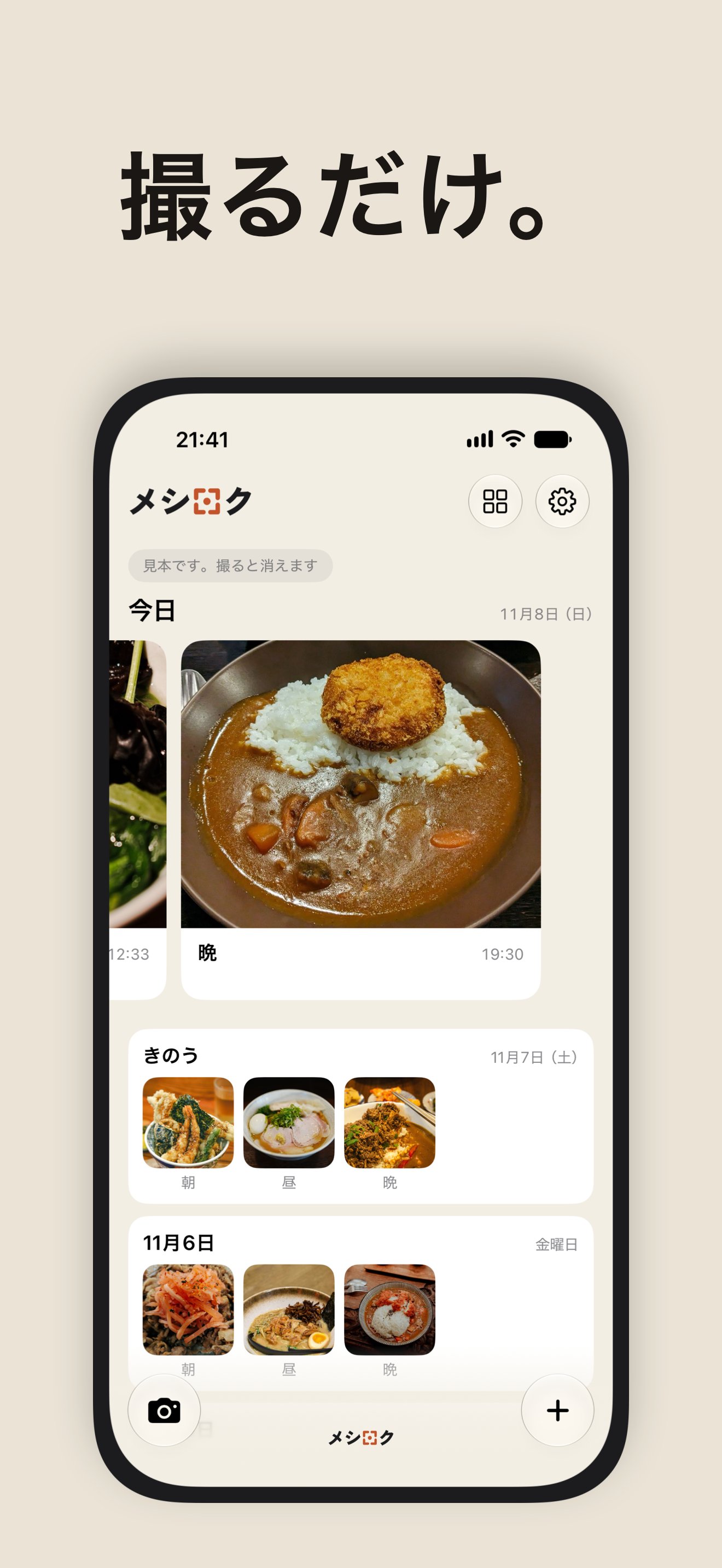
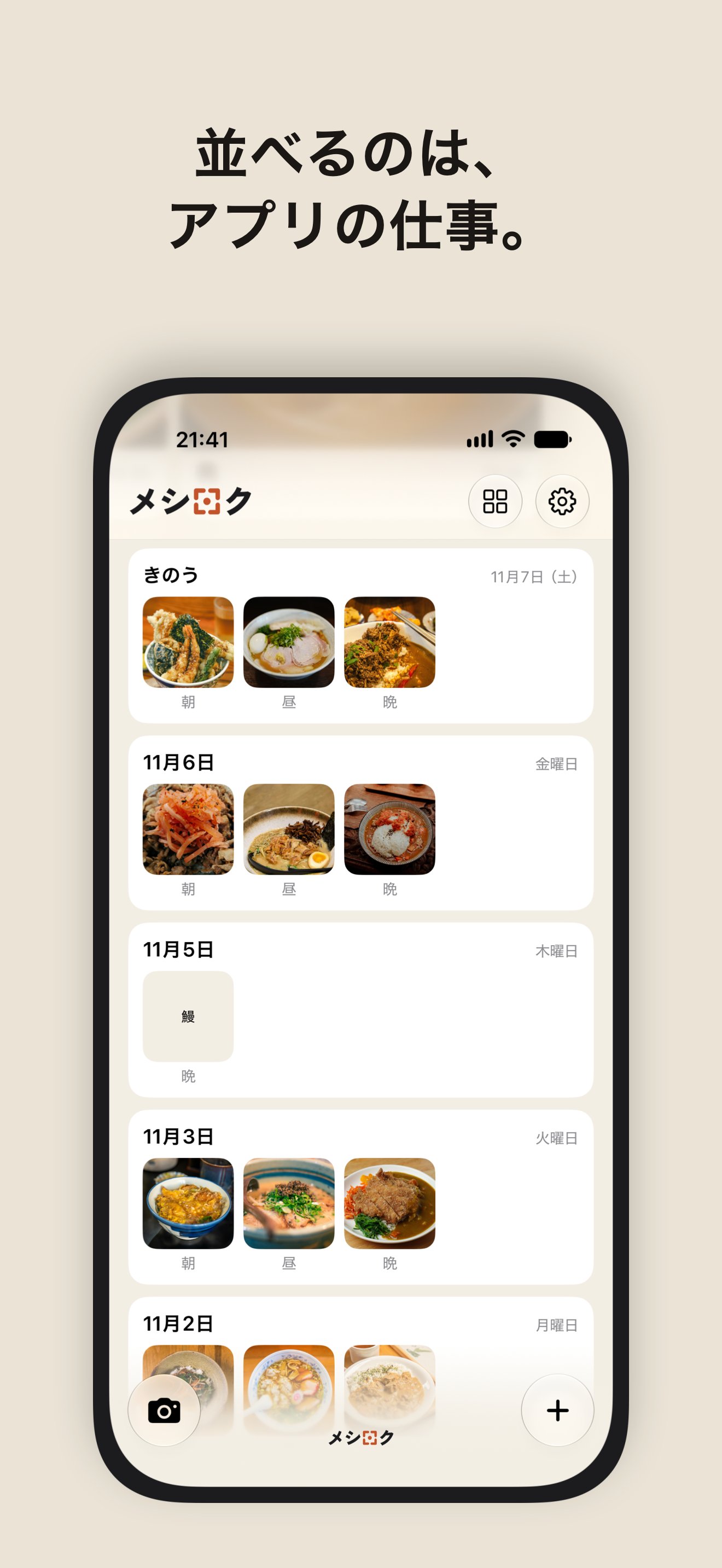
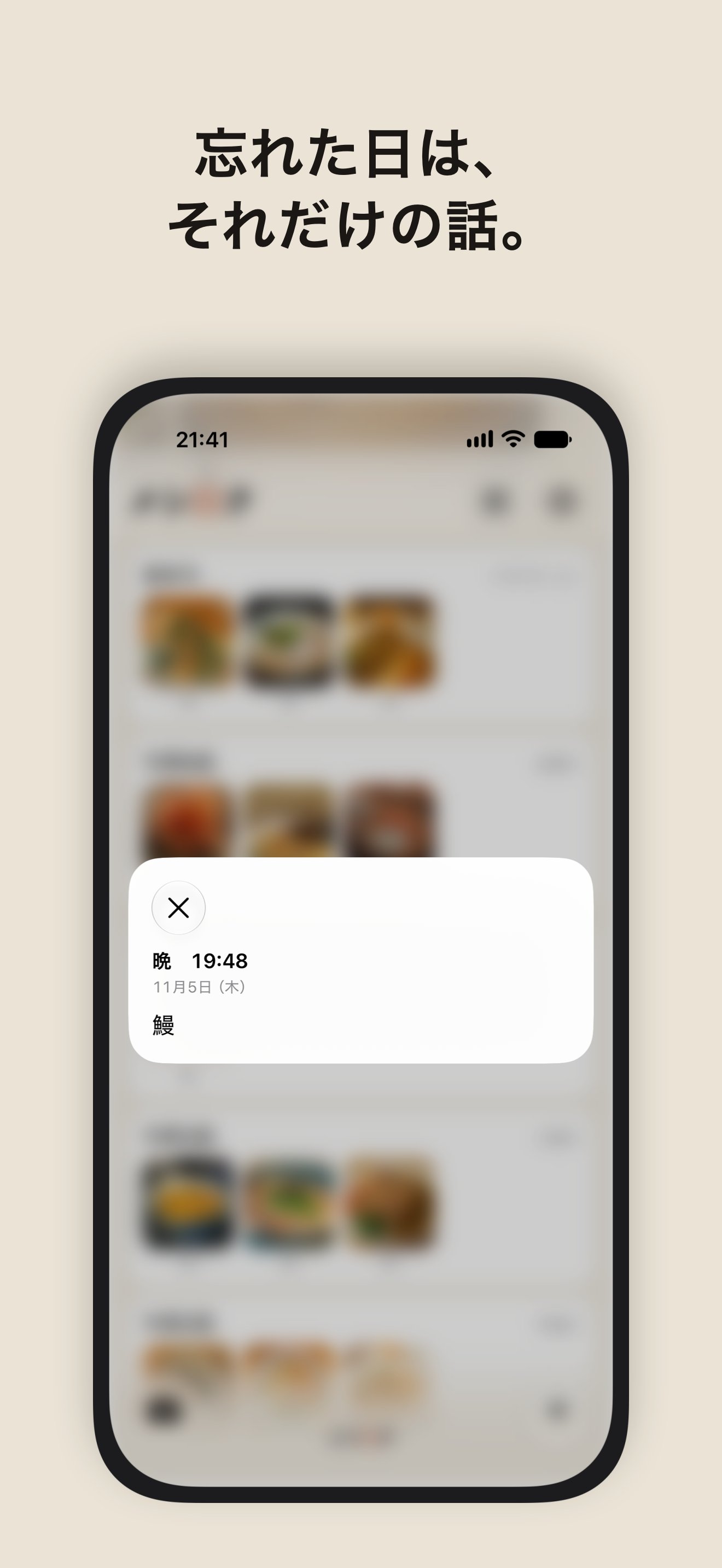
Take a photo from the button on the Lock Screen or in Control Center, without unlocking. MealCatch puts it into that day's breakfast, lunch or dinner by the time you took it. The last day you ate sits at the top in big photos; earlier days follow below, only the days you took photos. There are no calories, no scores, no charts and no streaks, and it never sends reminders. If you forget a meal, you can add a text note later — or not. Forgetting is fine.
Why it was made
There are plenty of apps that count calories and score your meals. Many people know they should keep some kind of record, yet don't want numbers or lectures. MealCatch is for them: it only keeps what you ate, and says nothing about it.
Design notes
Done at the shutter
No form to fill in after the photo, and no confirmation either. The time the photo was taken decides the meal. Meal times can be changed in Settings, for people who work nights or eat late.
Straight from the Lock Screen
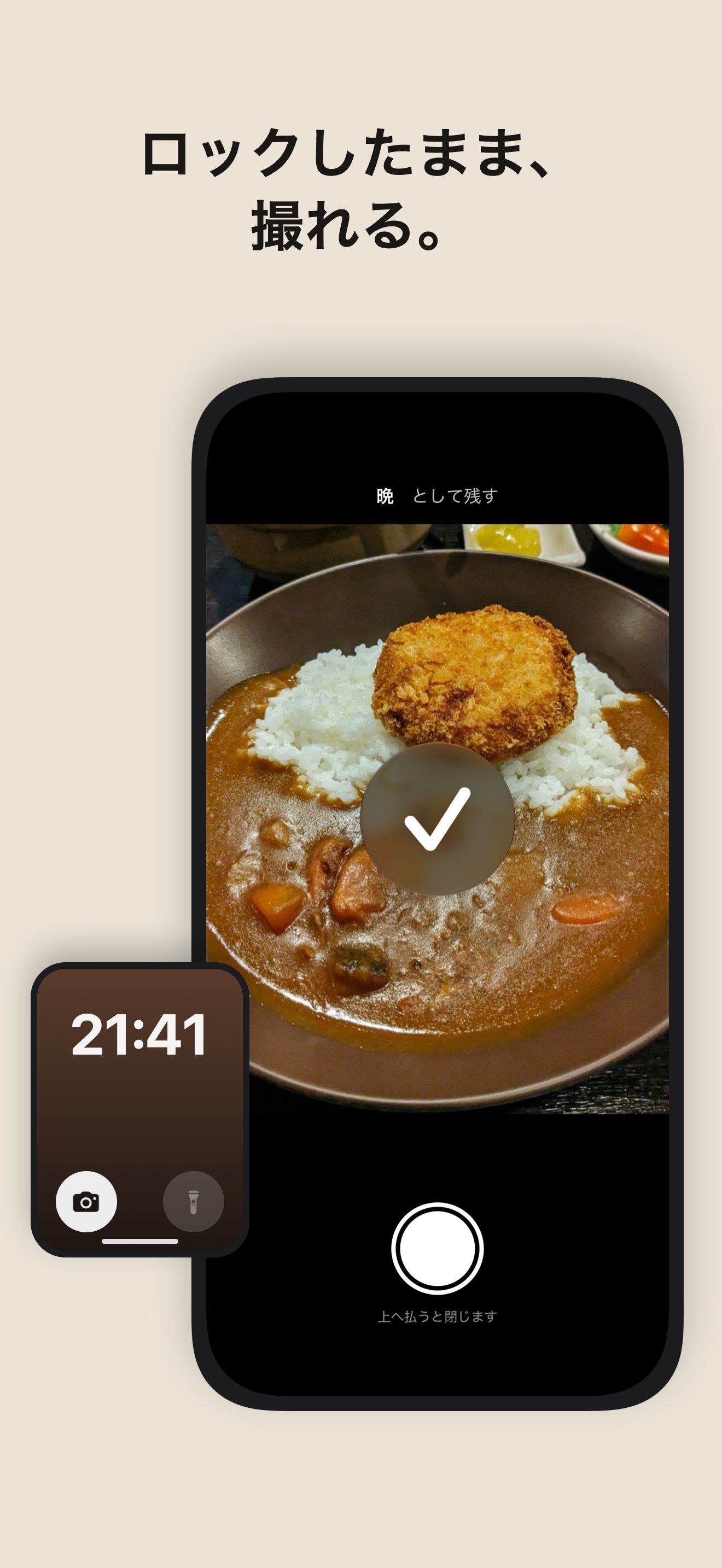
The MealCatch Camera can sit on the Lock Screen, in Control Center or on the Action button. Take as many dishes in a row as you like without unlocking; they arrive on Home the next time you open the app.
No numbers
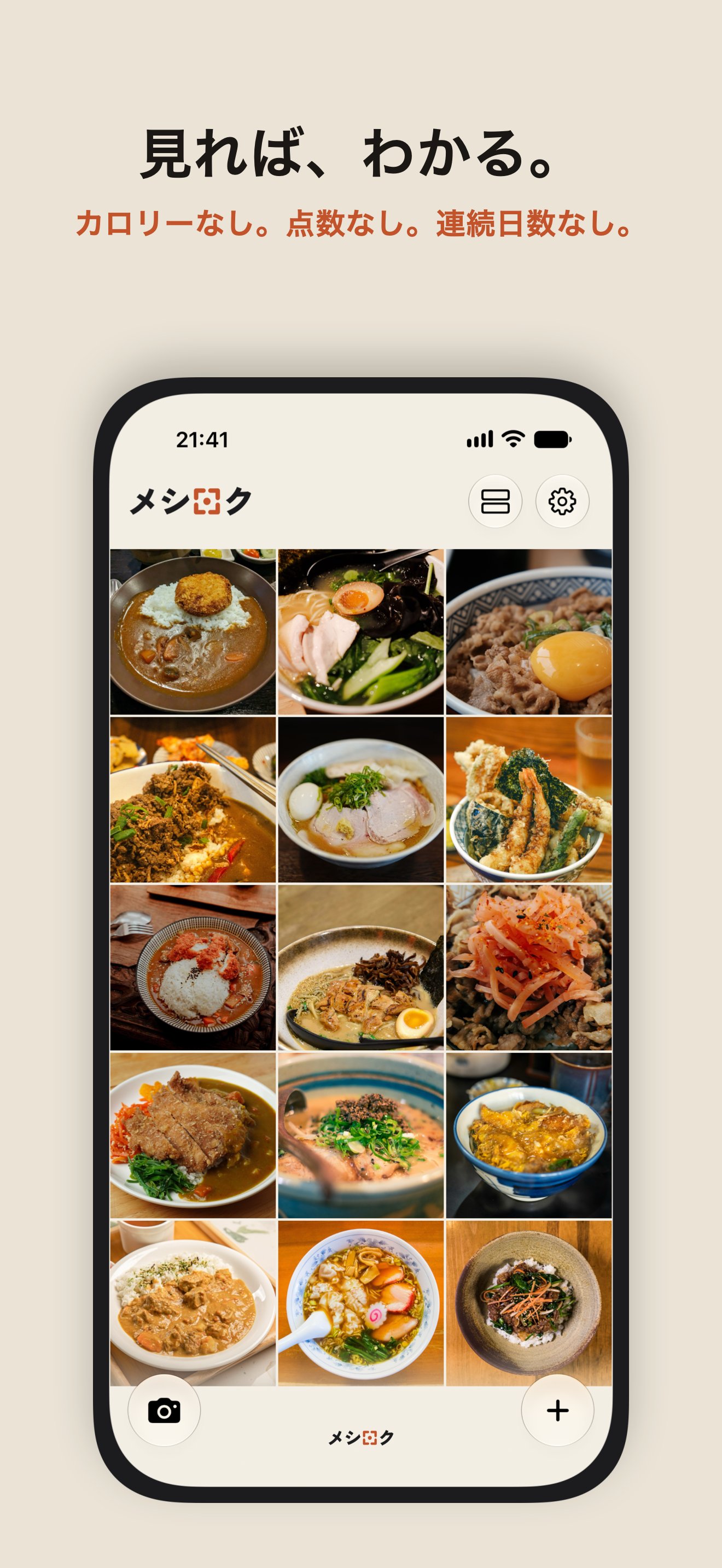
MealCatch doesn't analyze photos or estimate nutrition. The photo says it all.
Two sets of sample meals
The Japanese sample is rice bowls, ramen and curry, again and again — each photo different. The English sample is breakfast all over the place, burgers and pizza. Sample notes say only what was eaten, never an excuse.
Private by design
Photos are kept inside the app, apart from the Photos library. Nothing is sent anywhere; only the purchase goes through the App Store.
Assets
Free to use in coverage of MealCatch. Screenshots: 1320 × 2868.
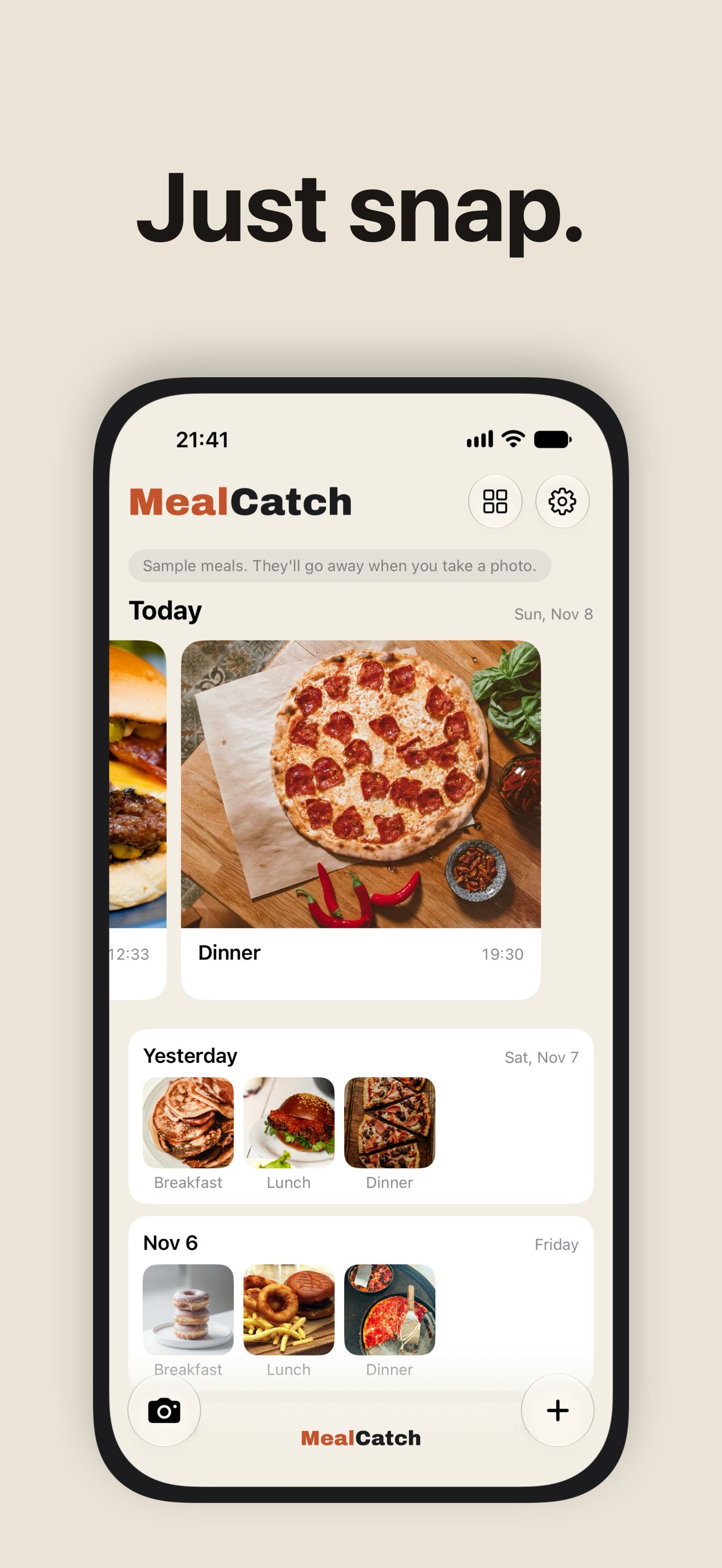 Home
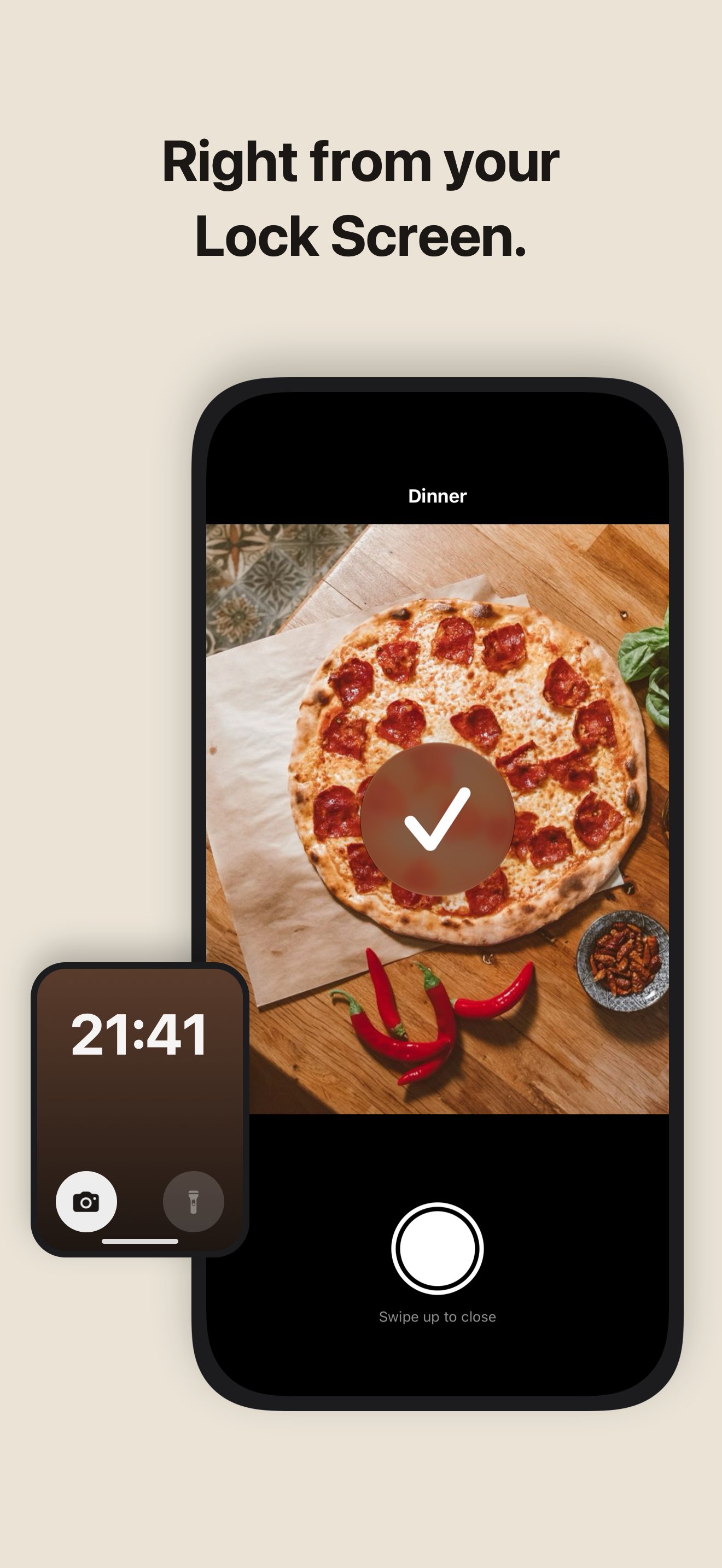 Lock Screen camera
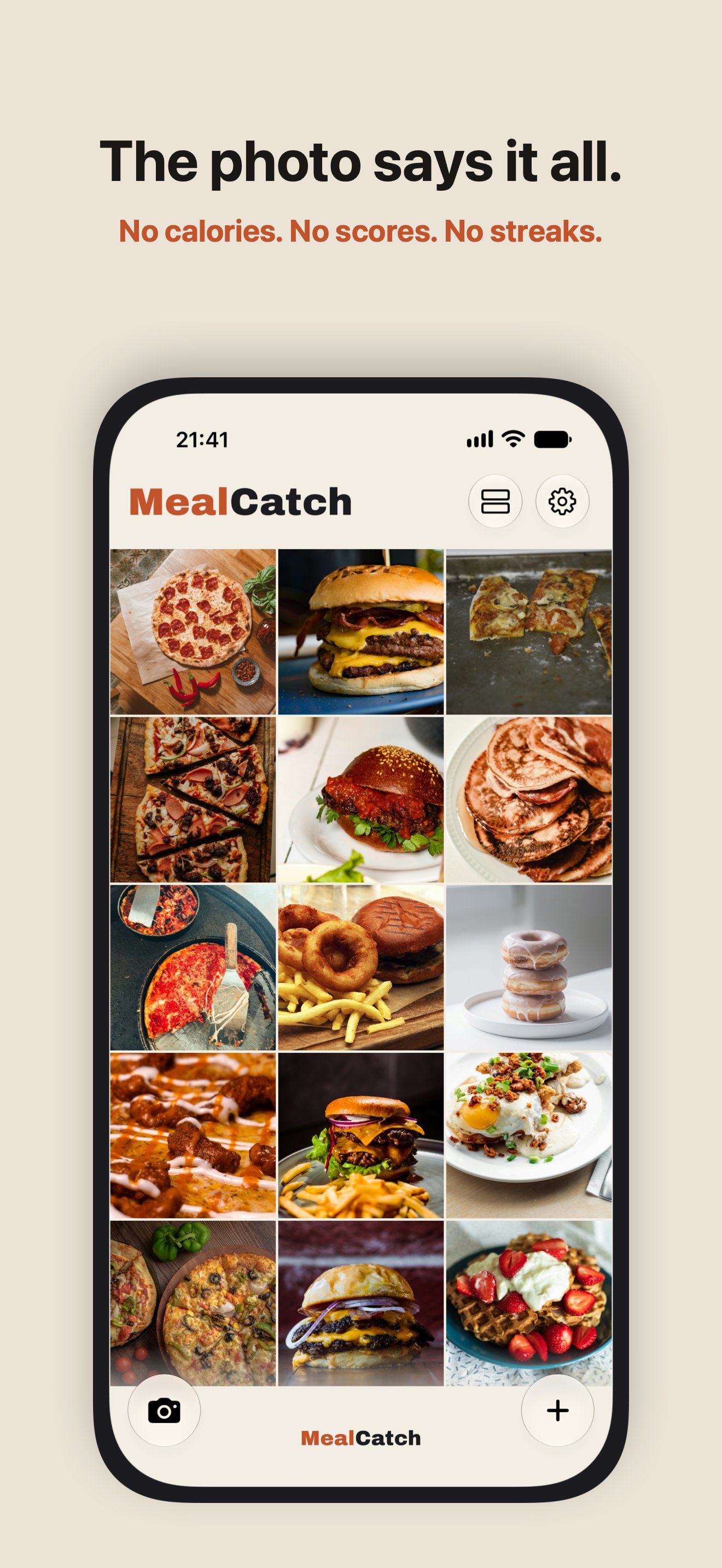 Photo Grid
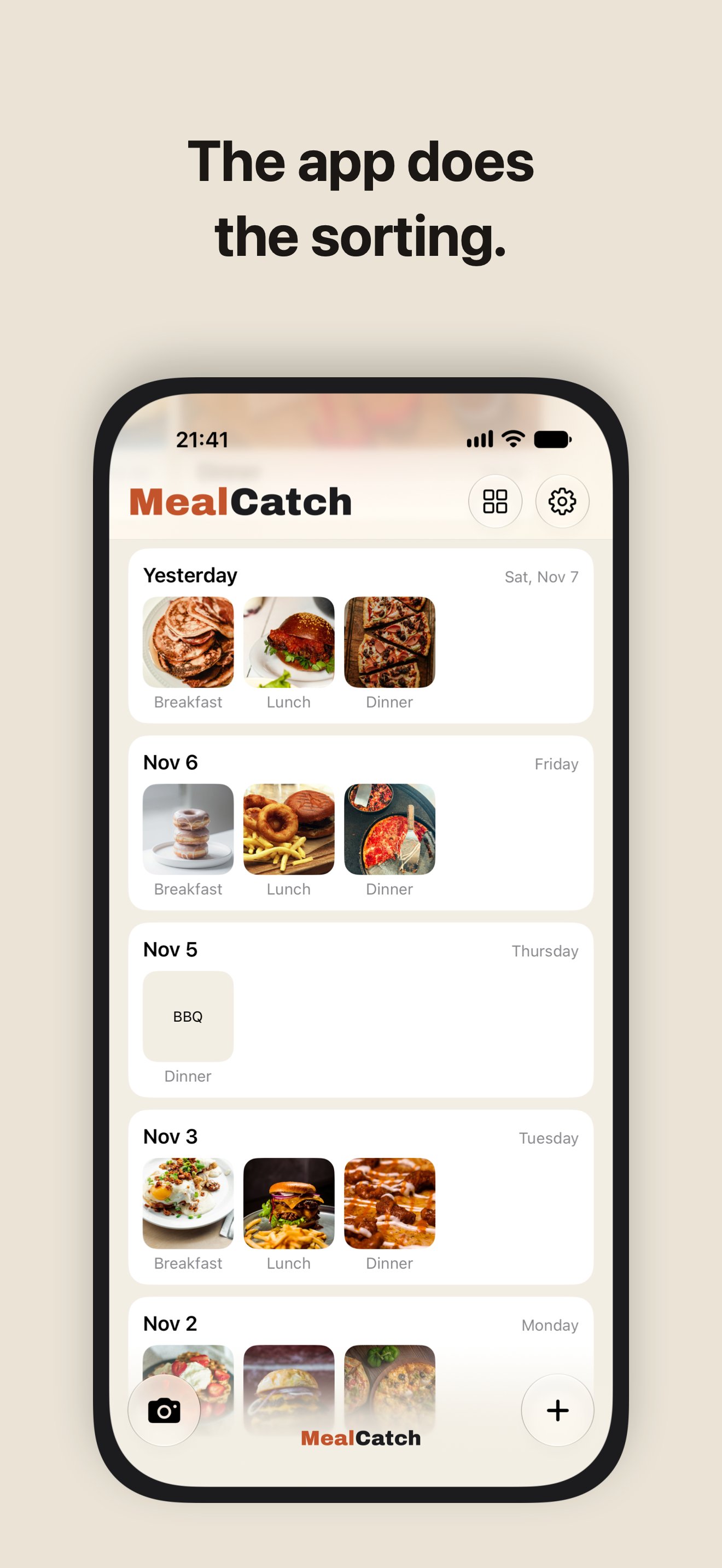 Daily cards
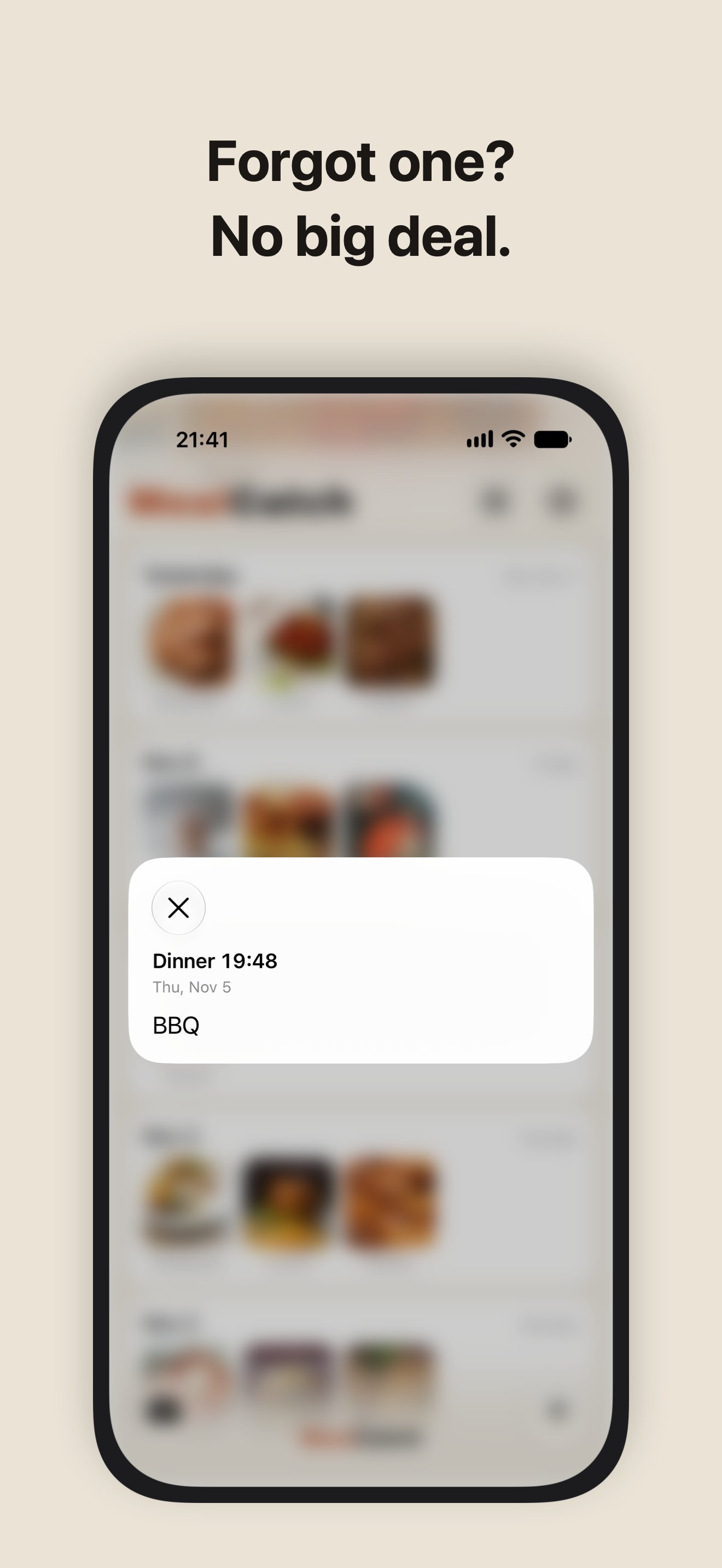 Text note
Japanese screenshots: Home · Lock Screen camera · Photo Grid · Daily cards · Text note
日本語
- アプリ
- メシロク - 撮るだけの食事記録(英語名 MealCatch: Food Photo Log)
- 開発
- jeos(個人開発)
- 公開
- 2026年11月9日
- App Store
- apps.apple.com/jp/app/id6831746796
- 対応
- iPhone(iOS 26 以降)/日本語・英語
- カテゴリ
- フード/ドリンク(副:ライフスタイル)
- 料金
- 有料アプリ・買い切り。アプリ内課金・サブスクリプションなし
- プライバシー
- データの収集なし。写真や記録を外へ送らない・広告なし・解析なし・登録なし
ひとことで
食べたものを撮るだけで残すアプリです。シャッターを押したら、それで終わり。撮った時間で、朝・昼・晩に勝手に並びます。
作った理由
カロリーを数えたり、点数を付けたりするアプリはたくさんあります。数えられたり、説教されたりはしたくない。でも、何を食べたかぐらいは残しておきたい。そういう人のために、撮ったら終わりで、何も言わないアプリを作りました。
こだわり
- 撮ったら終わり。撮った後の入力も確認もありません。朝・昼・晩は撮った時間で決まり、時間帯は設定で変えられます
- ロック画面・コントロールセンター・アクションボタンから、ロックを解除せずに何皿でも続けて撮れます
- カロリー・点数・グラフ・続けた日数は出しません。写真を見ればわかります
- 見本は日英で別。日本語は丼・ラーメン・カレーの繰り返しで、全部違う写真。見本のメモには食べた物だけを書き、言い訳は書きません
- 写真はアプリの中にしまい、写真アプリには混ぜません。外へは何も送りません(購入だけは App Store の仕組み)
素材は上の Assets からお使いください。日本語の画面:ホーム ・ ロック中の撮影 ・ 写真の一覧 ・ 日ごとのカード ・ 文字だけの記録。お問い合わせ:support@jeos.net