MealCatch
Snap it. Done.
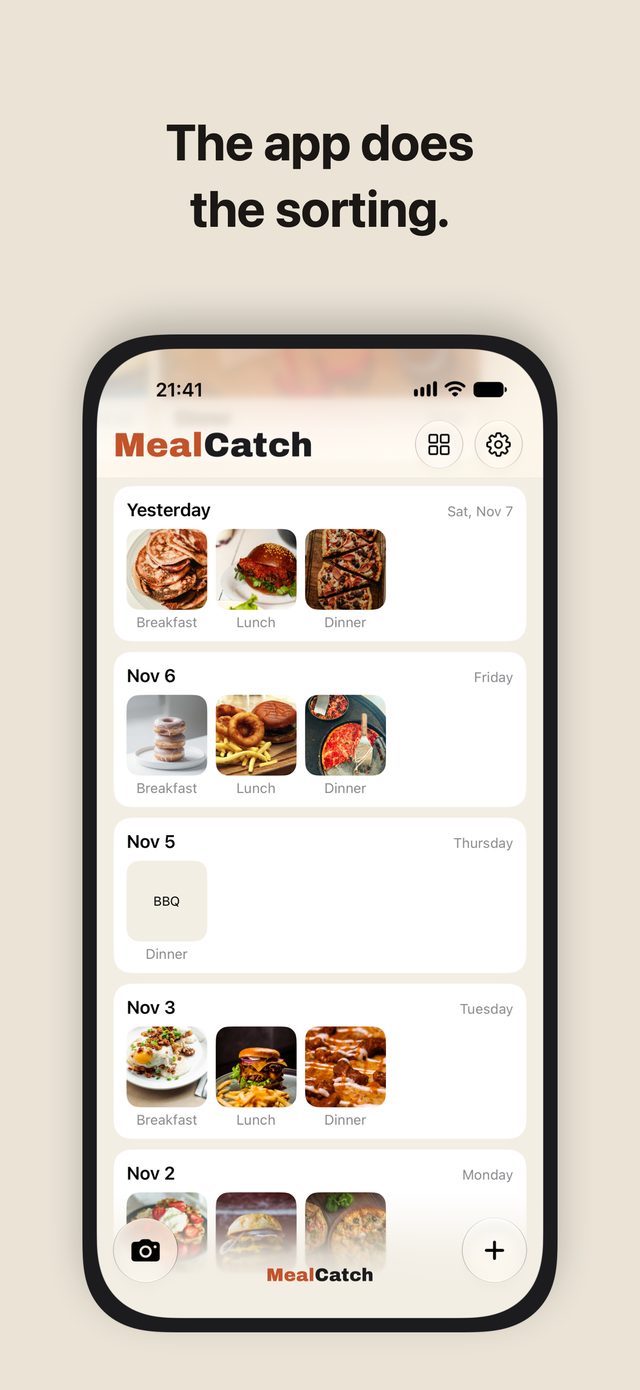
Sorted by meal
MealCatch (メシロク in Japanese) is an iPhone food photo log that saves what you eat with a single photo.
Press the shutter and you're done. It goes into that day's breakfast, lunch, or dinner by the time you took it. Later, one look at the photos tells you what you ate.
- iPhone (iOS 26 or later)
- One-time purchase
- No in-app purchases
- No ads
“Your calories today!” Who asked?
“Go exercise!” Give it a rest.
“No meals logged!” And?
“Your nutrient balance…” I can see my plate.
Sound like you? Just snap.
Who it's for
- People who want to remember what they ate, but never kept up with counting calories or nutrients
- People tired of apps that nag with reminders and numbers when they forget to log
- People who'd rather pay once than subscribe
- People who don't want meal photos mixed in with the rest of their Photos library
It's not for you if you want to log calories, nutrients or weight. MealCatch doesn't count anything.
What MealCatch does and doesn't do
| MealCatch | |
|---|---|
| Saves what you eat as a photo | Yes |
| Sorts photos into breakfast, lunch and dinner by time | Yes |
| Lets you add a text-only note later | Yes |
| Counts calories or nutrition | No |
| Shows scores, charts or streaks | No |
| Sends reminders to log | No |
| Subscription, in-app purchases or ads | None |
| Sends your photos or meals anywhere | No |
Snap
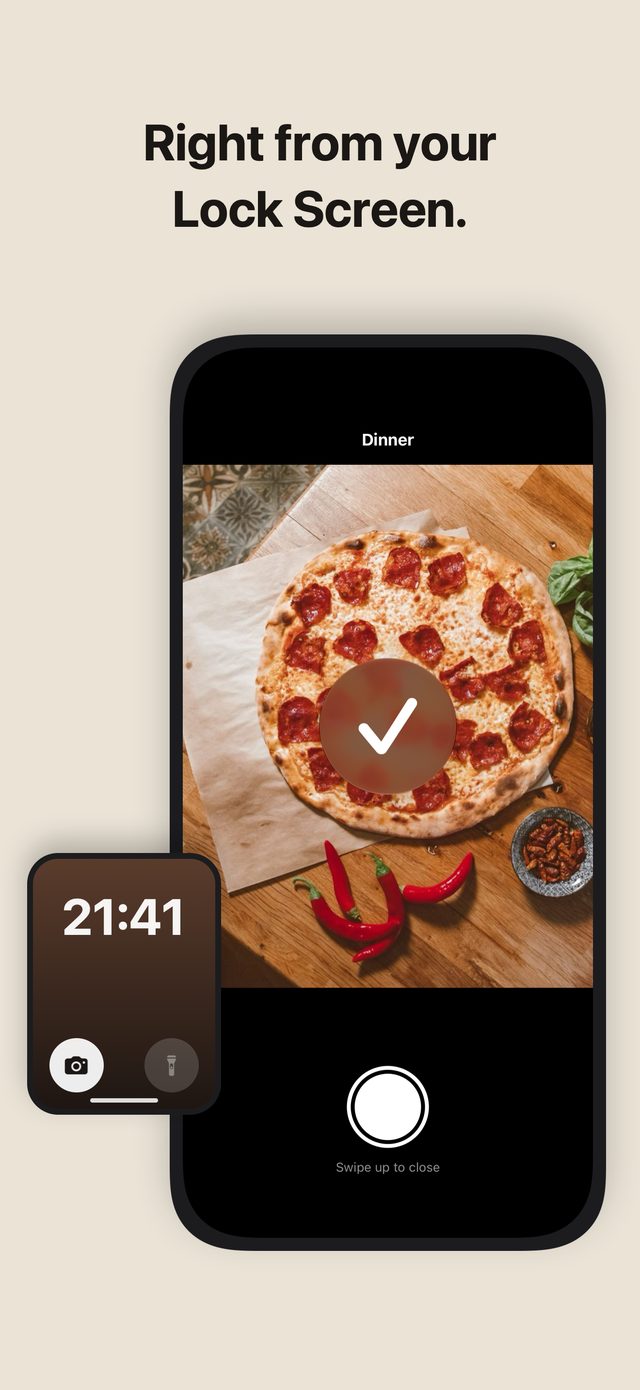
- Take a photo from the button on your Lock Screen or in Control Center, without unlocking
- Snap as many dishes in a row as you like
- You can also add a photo from your library
Sorted
- Photos go into breakfast, lunch, or dinner by the time you took them. For a snack, open the meal and pick Snack
- Set your own times for breakfast, lunch, and dinner
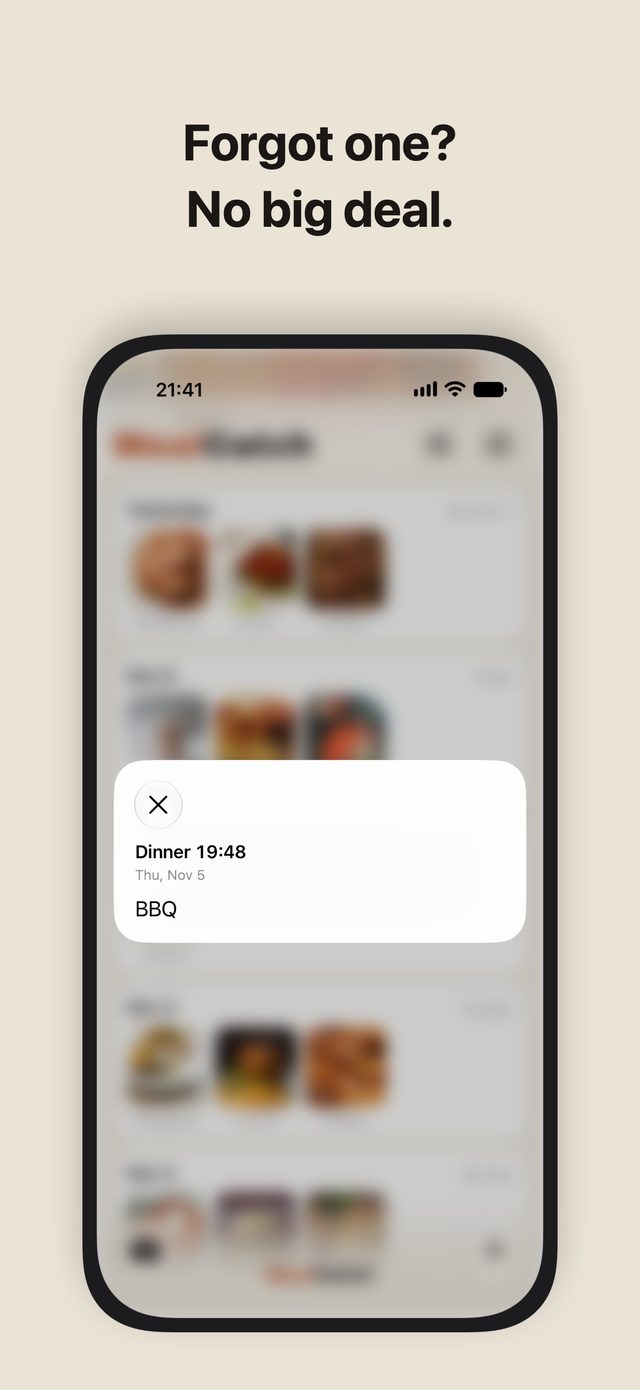
- If something's off, touch and hold to change the date or meal. Add a note by typing or by voice
Look back
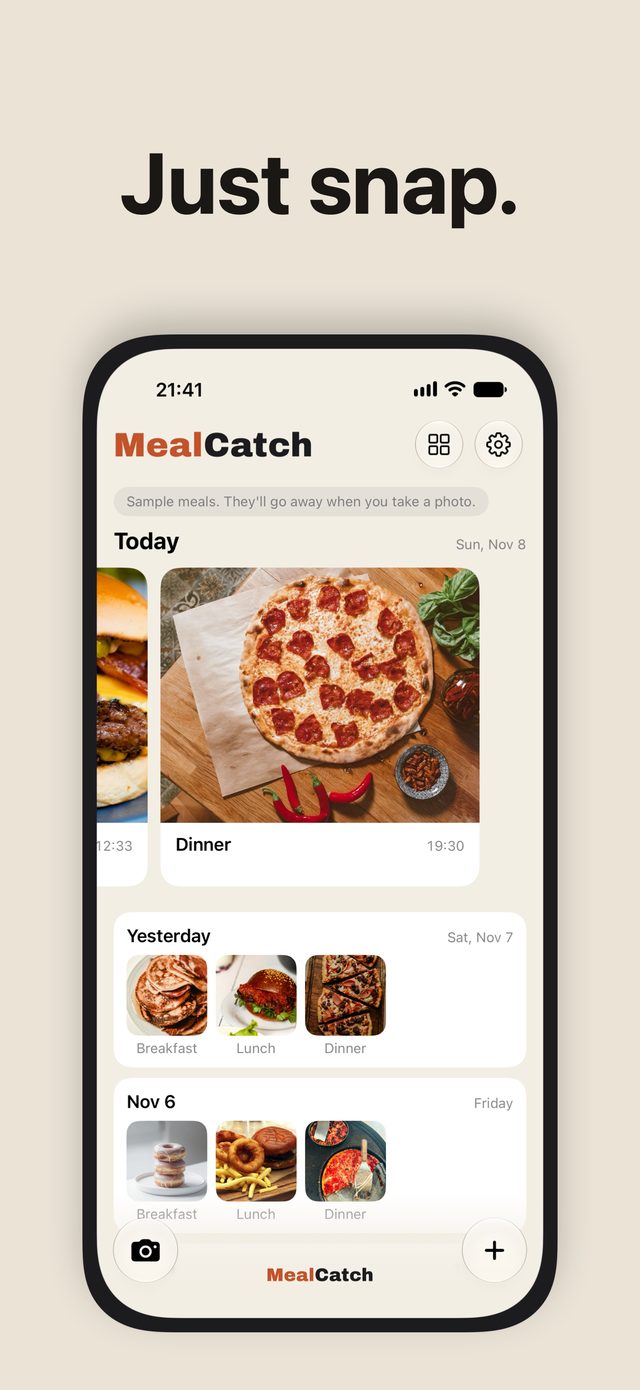
- The last day you took photos sits at the top, in big photos
- Earlier days follow below, only the days you took photos
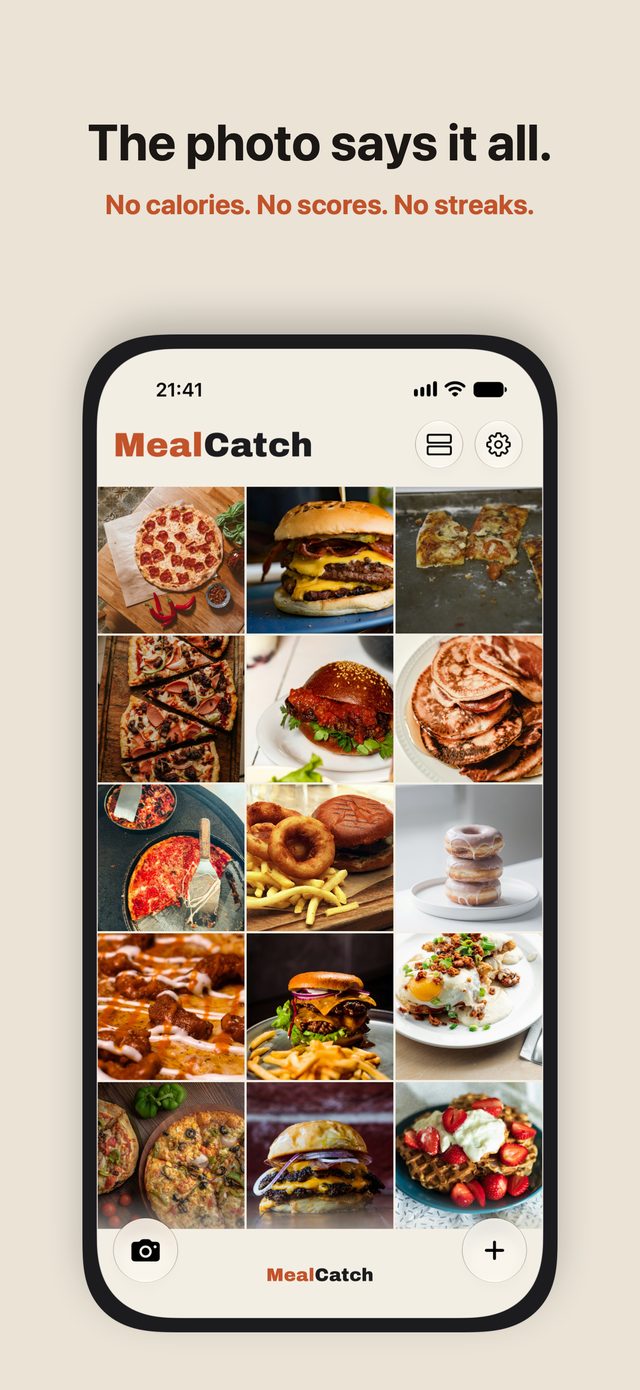
- Switch to Photo Grid to see just your photos, three across
- Works in both Light and Dark Mode
The photo says it all
No calories, no scores. No charts, no streaks.
No nagging
- No reminders to log your meals
- Forgot to take a photo? No problem. If you remember, add a text note later. If you don't, that's that
On your iPhone
- Your photos stay inside MealCatch, so they don't pile up in your Photos library
- MealCatch doesn't send your photos or meals anywhere. No ads
- Your meals are included in your iPhone backup, so they come with you to a new iPhone
Pricing and requirements
- Pricing
- Paid app, one-time purchase. One purchase gets you every feature. No in-app purchases, no subscription, no ads, no account.
- Requires
- iPhone (iOS 26 or later)
- Languages
- English, Japanese
FAQ
I see meals I didn't eat when I first open MealCatch.
Those are samples to show how MealCatch works. Take your first photo or add your first text note, and the samples go away. Your meals begin.
Does MealCatch count calories or nutrition?
No. It doesn't recognize food in photos, and it doesn't show calories, nutrition or scores. No charts and no streaks either.
Is it a subscription?
No. It's a paid app: one purchase gets you every feature. No in-app purchases, no subscription, no ads.
I can't find a photo I took from the Lock Screen.
Photos you take while your iPhone is locked appear on Home the next time you open MealCatch.
Something I ate after midnight went into the previous day's dinner.
Photos taken before breakfast starts (4:00 at first) go into the previous day's dinner. If you work nights or keep different hours, change the start times in Settings → Meal Times.
Do my photos go into the Photos app?
No. MealCatch keeps them inside the app. To save one to Photos, open the photo and use the Share button.
Does it work on Android or iPad?
No. MealCatch is for iPhone only (iOS 26 or later).
Where is my data stored?
On your iPhone. MealCatch doesn't send your photos or meals anywhere. Like any other app, it's included in your iPhone backup.
How to Use Support Privacy Policy Terms of Use Press Kit
MealCatch — snap it. Done.